On the Mac
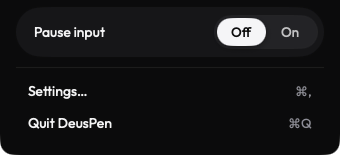
- Open the Deus XT menu bar panel and choose Quit Deus XT.
- Drag Deus XT from Applications to the Bin.
- Optional: remove it from System Settings › Privacy & Security › Accessibility.Select Deus XT and click the minus button. Do the same under Local Network and Screen Recording if it is listed.
On the iPad
- Touch and hold the Deus XT icon, then choose Remove App › Delete App.
Pairing records
To remove pairing records first, forget each device on both sides; see Forget or re-pair a device.
Related
PurchaseRestore your purchaseGetting startedPair with a matching codePrivacyWhat stays on your devices
Still stuck? Email support@deuspen.com with your iPad and computer models, the app you draw in, whether you were on the cable or Wi-Fi, and what you expected. The Diagnostics panel in the companion's Settings shows the connection state in words; tell us what it says.